Registering for NYC DEP API Portal
Registering for the NYC DEP API Portal
New York City's amended Citywide Construction Noise Mitigation Rules require construction sites of 200,000 square feet or more, within 50 feet of a residential receptor and conducting after-hours work for 30 or more days, to continuously monitor and report sound levels. Under this mandate, responsible parties must transmit noise data — including decibel readings, GPS coordinates, timestamps, and Lmax values — to the NYC Department of Environmental Protection (DEP) at least once per hour via a designated public API. Registering for the NYC DEP API Portal and obtaining a subscription key is therefore a legal prerequisite for compliant noise monitoring on qualifying projects.
This page walks you through the process of registering for the NYC DEP API Portal and obtaining a subscription key for the Construction Noise Product. This key is required to enable the NYC DEP integration in Inzwa Cloud.
Step 1 — Navigate to the Portal
Point your browser to https://dep-apim-prod.developer.azure-api.net/.
Step 2 — Create an Account
Click Sign Up on the NYC DEP sign-in page to create a new account.
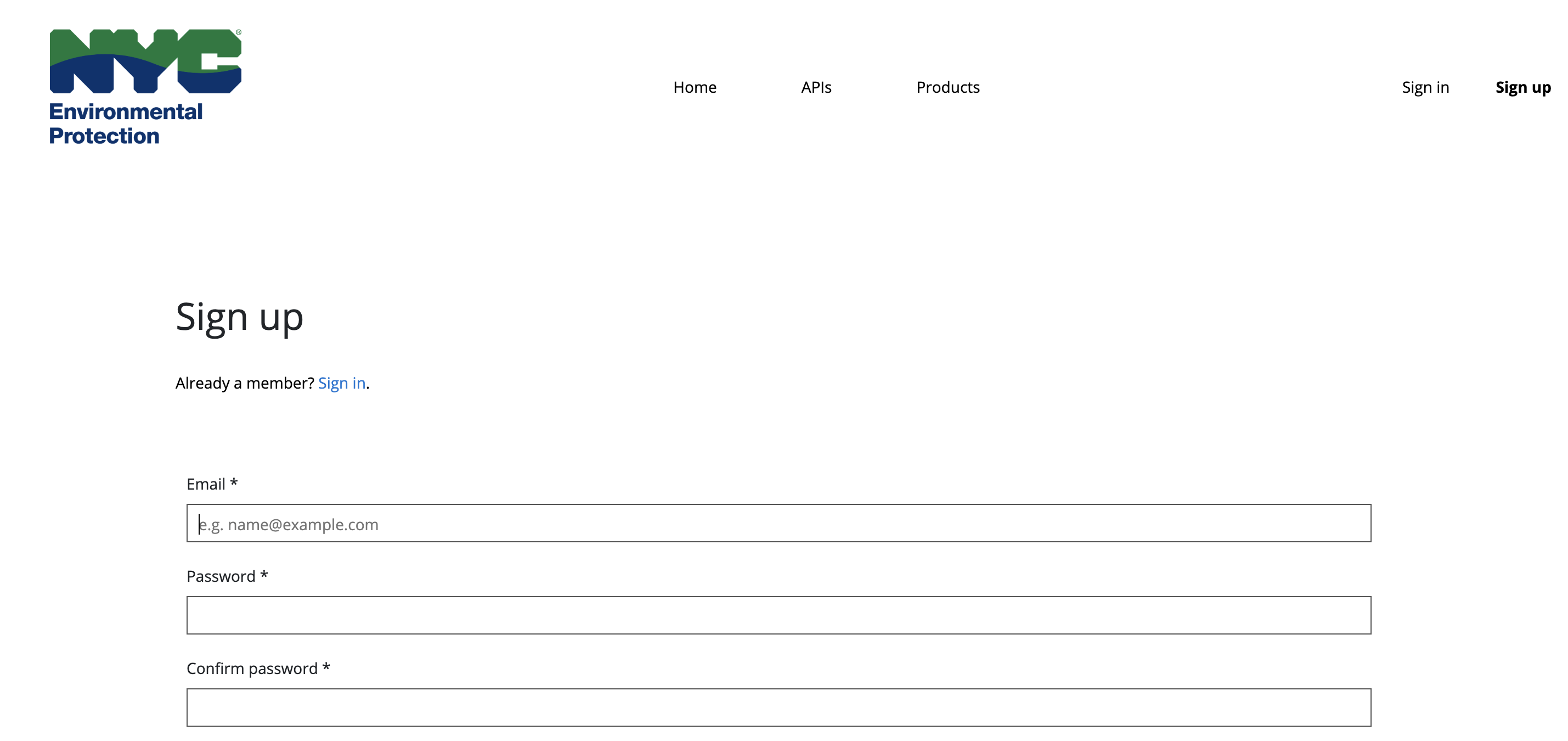
Step 3 — Confirm Your Email
Check your inbox for a confirmation email from the portal and click the confirmation link to verify your account.
Step 4 — Sign In
Return to the portal and sign in using the credentials you just created.
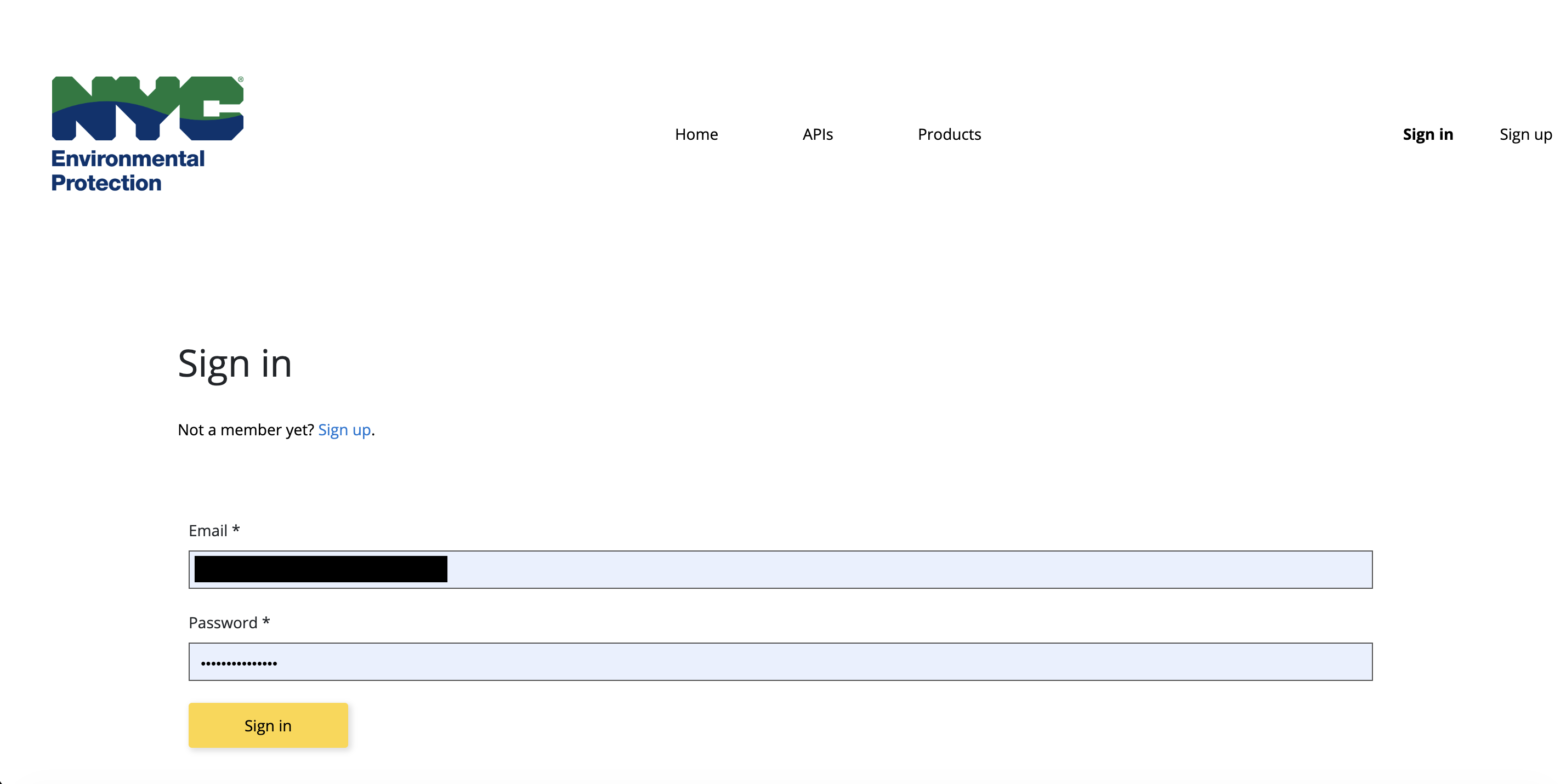
Step 5 — Explore the Product Menu
After signing in you will be taken to the portal home page. Click the Product menu item.
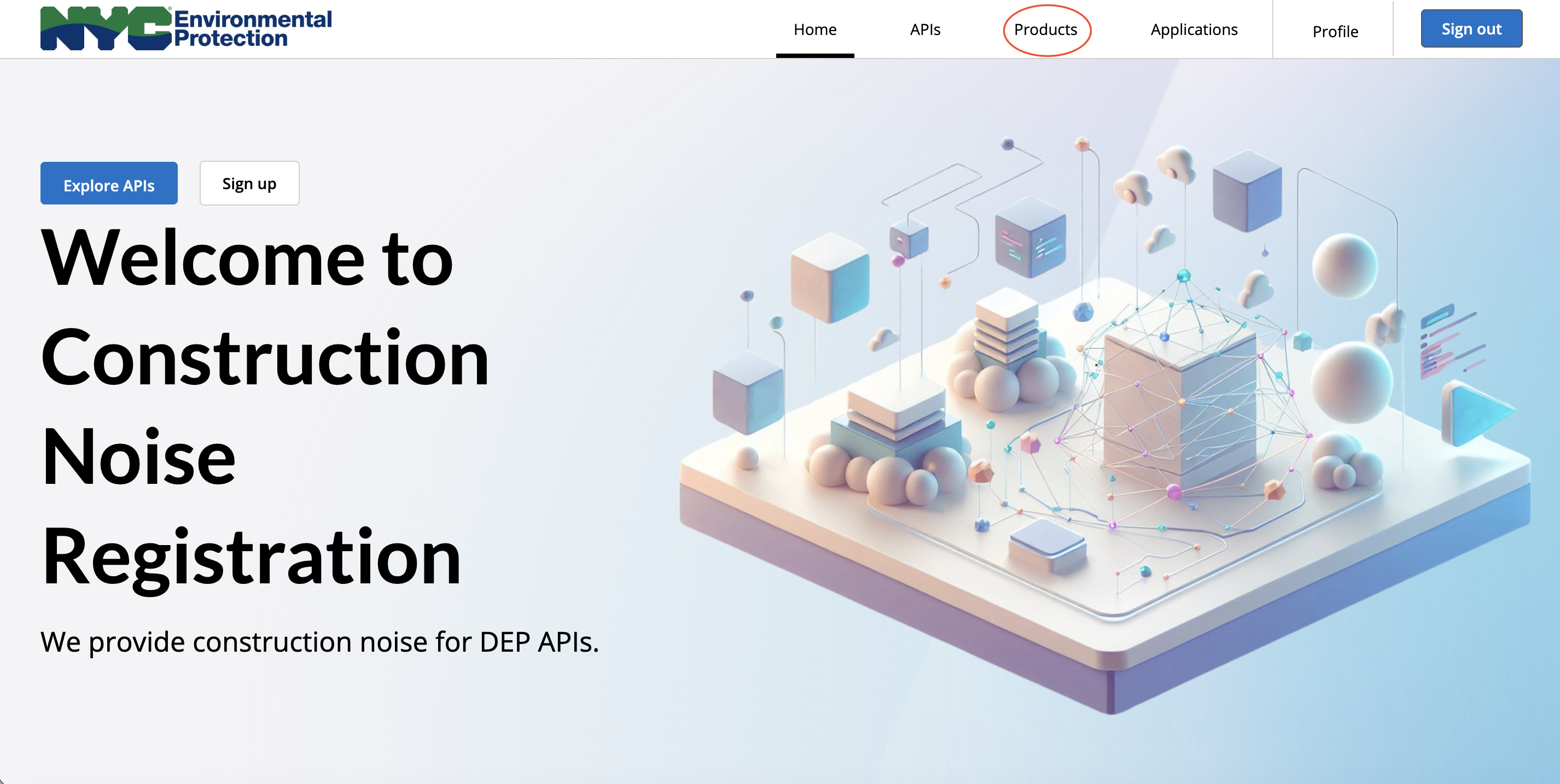
Step 6 — Select the Construction Noise Product
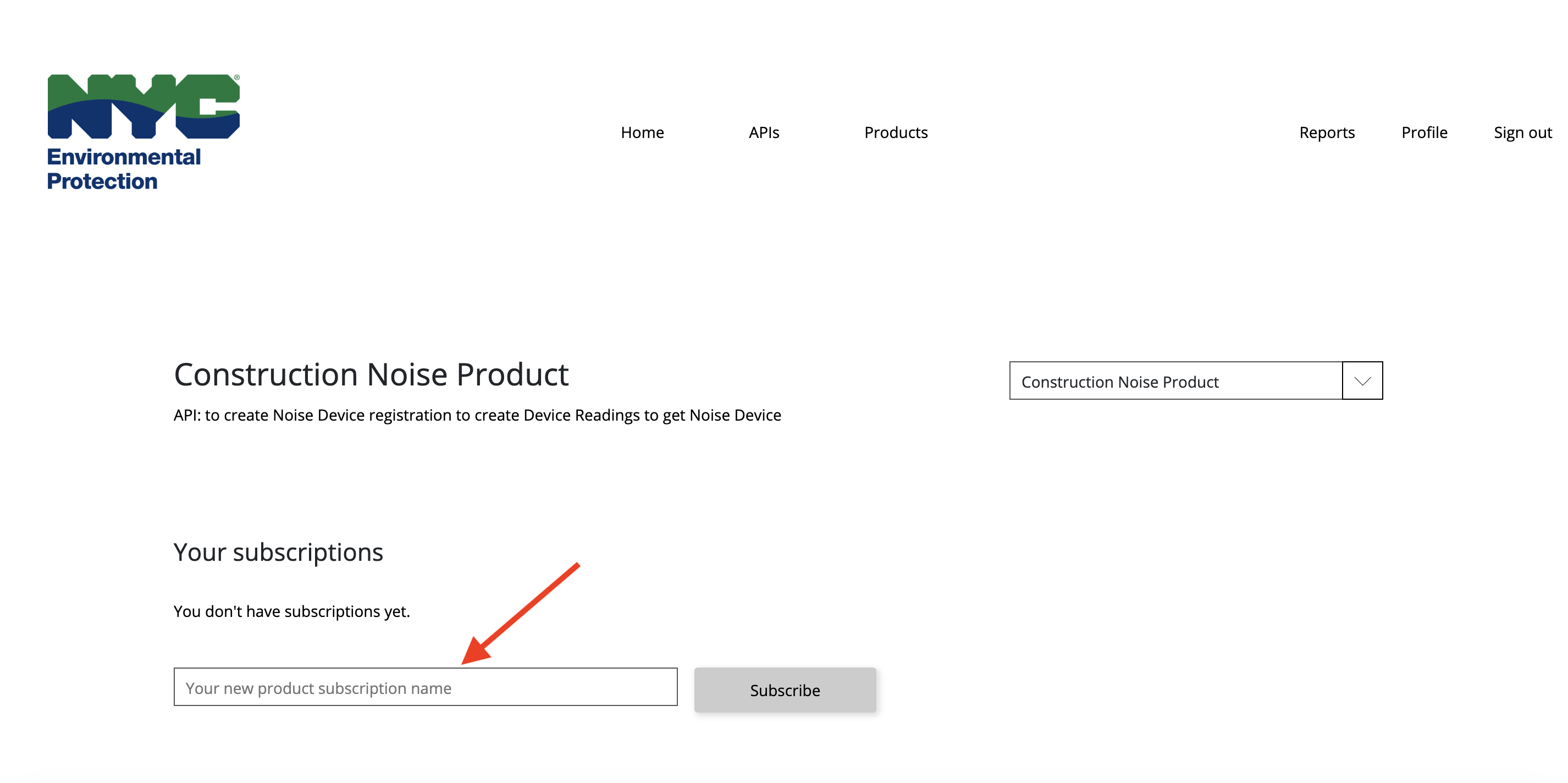
Click Construction Noise Product from the list of available products.
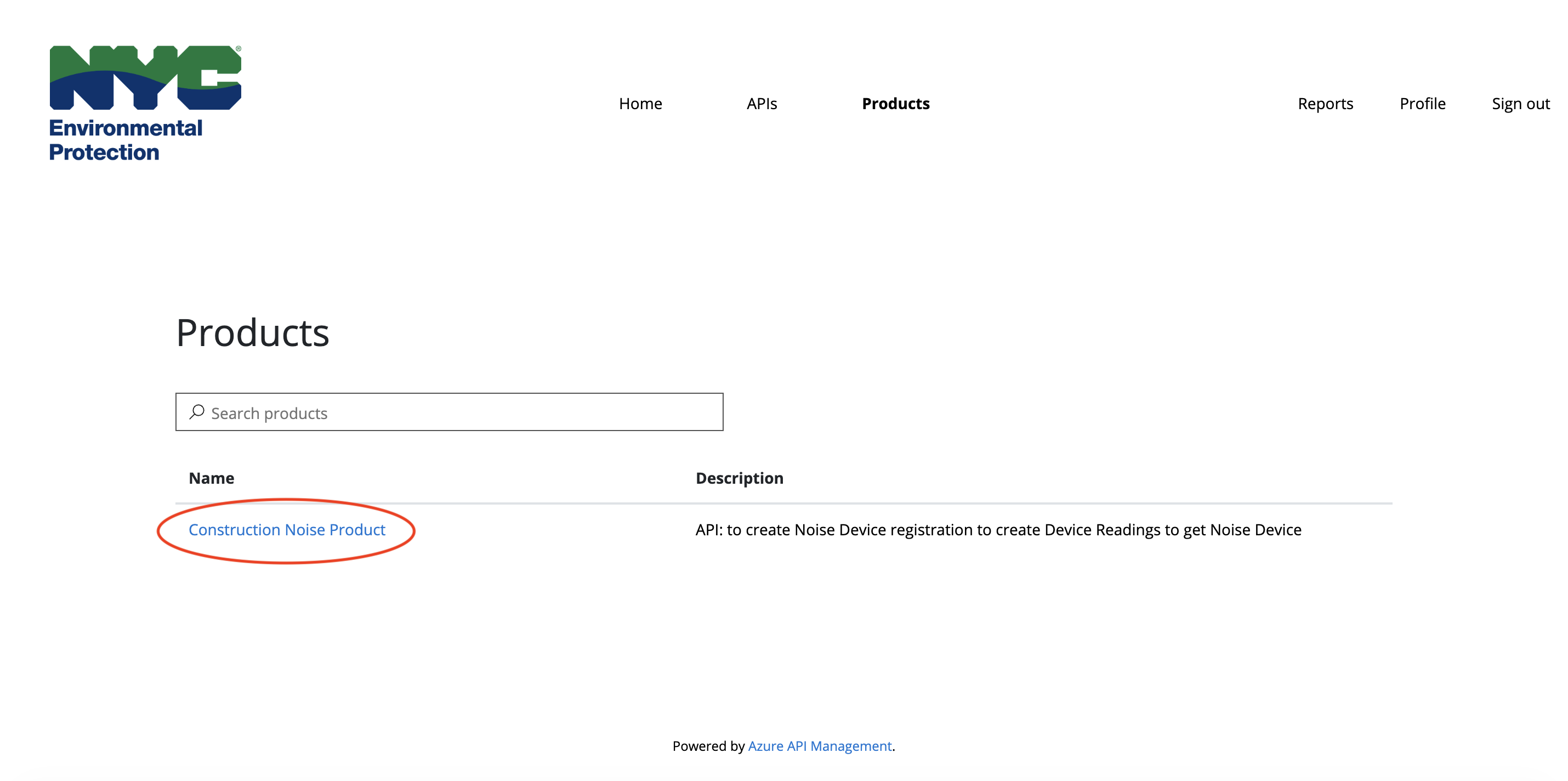
Step 7 — Subscribe
In the My Subscriptions section, enter a name for your subscription and click Subscribe. You will be redirected to your User profile page and will receive a subscription request acknowledgement email.
Step 8 — Wait for Approval
Once you receive the approval email, log back into the NYC DEP API Portal.
Subscription approval typically takes 1 – 2 business days. You will receive an email when your request has been approved.
Step 9 — Copy Your Primary Key
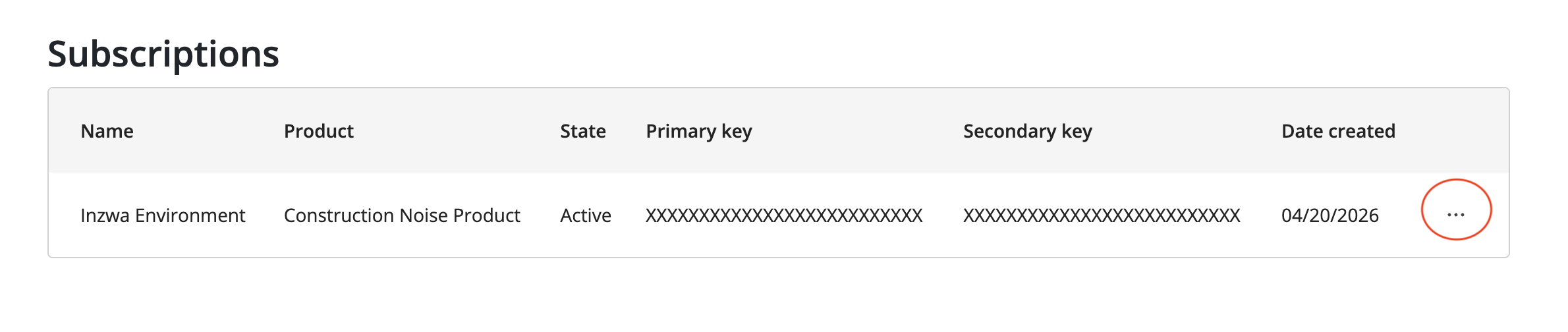
Log into your DEP account, then go to Profile in the top navigation bar. Scroll to the Subscriptions section, locate the subscription you created and click the ellipsis icon then select Show Keys and copy the Primary key.
Step 10 — Provide the Key to Inzwa
Send the copied Primary Key to Inzwa. Our team will configure the NYC DEP integration in your Inzwa Cloud account.